
Good reads. Better sends.
Fresh ideas on email, automation and building things.
Practical guides for whatever you’re working on next.
From the journal
11 articlesMX Records for Receiving Email: Set Up a Subdomain Without Breaking Existing Mail
Keep your team’s mailbox working while your application receives replies on its own subdomain. A practical guide to MX records, DNS host fields and end-to-end receiving checks.

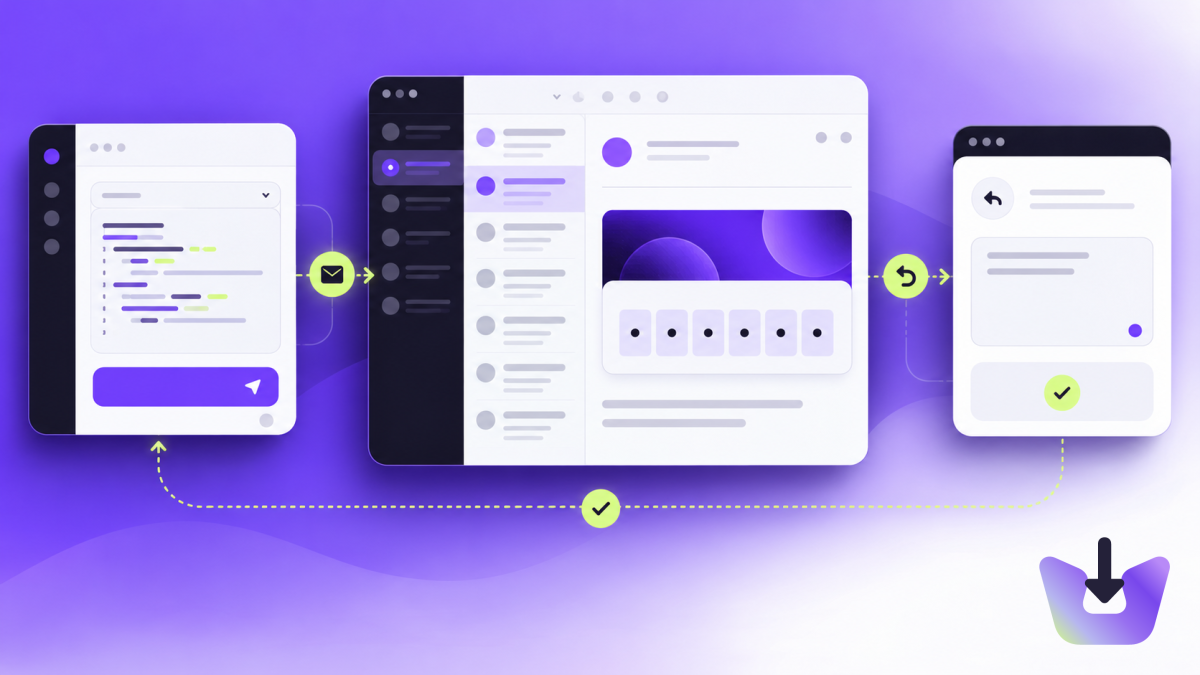
How to Test Signup and Password-Reset Emails Before Launch
A sent message is only the beginning. Follow this practical checklist to test email verification, password resets and the failures your users might encounter.
How to test email verification codes with Playwright and InboxIt
Build a signup test that waits for a new email, reads its verification code and checks the account is verified. Keep your existing sending provider.
How to receive email replies in Node.js with InboxIt
Configure a receiving address, fetch a real reply with Node.js and prepare a signed webhook workflow that keeps messages attached to the right conversation.
InboxIt vs Resend, Postmark and Mailgun: which email API fits your app?
Compare InboxIt, Resend, Postmark and Mailgun for sending, receiving and testing app email. Choose by workflow, not just send volume.
Transactional email explained: build welcome, confirmation and password-reset emails
Learn how to plan, send and troubleshoot transactional emails, from your first welcome message to reliable password-reset delivery.
How to test signup and password-reset emails with a temporary inbox
A step-by-step guide to testing outgoing delivery, incoming mail, verification codes and reset links without mixing up your test results.
How to receive email replies in your app and keep conversations connected
Connect incoming replies to the right conversation using receiving addresses, Message-ID, reply headers and reliable webhook processing.
Email API key security: scopes, storage and rotation for apps and agents
Create and manage InboxIt API keys safely: choose permissions, keep secrets off the frontend, rotate credentials and troubleshoot access errors.
How to give an AI agent an email inbox without giving it unlimited access
Build an agent email workflow for verification messages, replies and testing, with scoped credentials, reliable retrieval and human approval where needed.
Email API idempotency: retry requests without sending duplicate emails
Learn how idempotency keys prevent duplicate email submissions, how to handle conflicts and which failures are safe to retry in InboxIt.