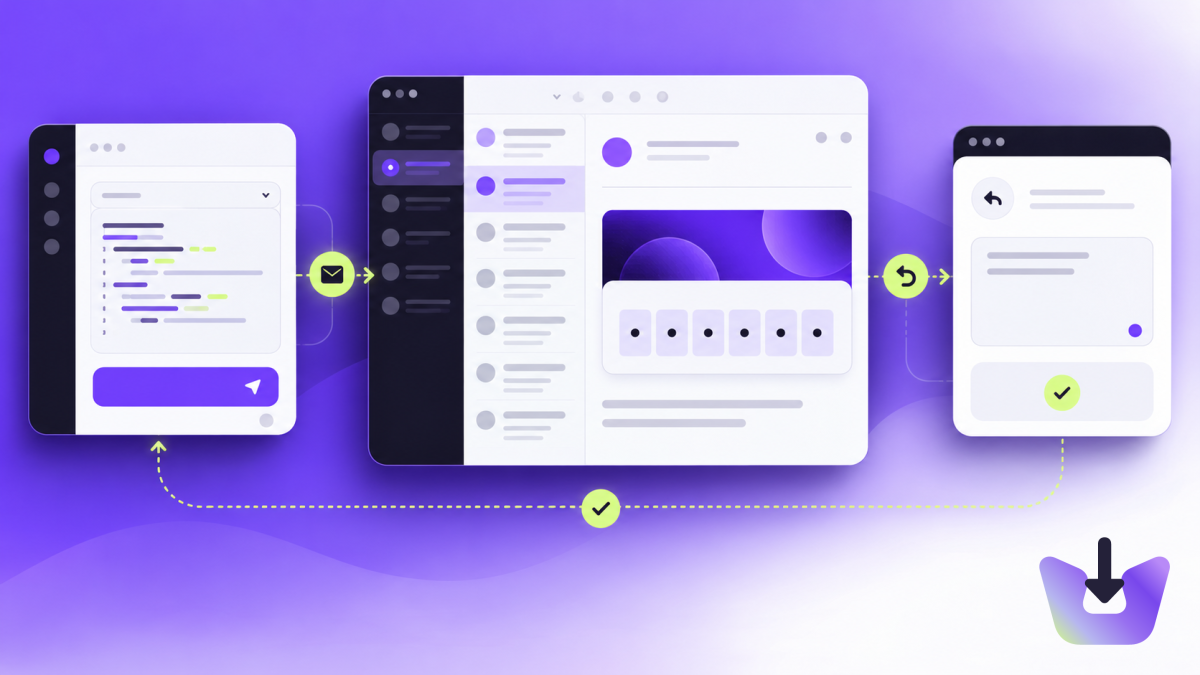
Start with one specific email task
An agent does not need a general-purpose mailbox to check whether a signup email arrived. Define a narrower job: create a temporary test address, wait for a message from your application, extract the relevant code and report the result.
Other useful jobs include summarizing replies for a human or matching an incoming response to an existing task. Each job needs different permissions. Reading a message, sending a reply and changing account settings should not be treated as the same action.
Give the agent a workspace and scoped credentials
Use a workspace intended for the integration and an API key named for the agent’s task. InboxIt supports API and CLI access; a key’s scopes determine what the agent can do, regardless of the tool it uses.
For an agent that creates and reads test inboxes, grant the relevant creation and reading scopes. Add sending permission only when sending is part of the authorized task. Keep the secret in the runtime environment and out of chat transcripts, generated source files and public logs.
The CLI guide covers installation and the downloadable agent skill. The skill explains tool usage; it does not expand the credential’s permissions. Read the API key guide before connecting a production workspace.
Build a bounded receive-and-extract workflow
- Create an inbox for the task and wait for its address to become active.
- For an automated test, start a bounded wait before triggering the application’s email.
- Match the intended recipient and expected message context.
- Fetch the message and inspect extracted code or link candidates.
- Report success, ambiguity or timeout instead of guessing.
- Clean up the test inbox when the task finishes.
For example, a signup email might contain a verification link, a support link and a privacy link. “Take the first URL” is not a reliable extraction rule. Check the destination hostname and the expected action. If several plausible candidates remain, ask for review or fail the test with a useful explanation.
The testing API documentation describes wait runs and extraction. The dashboard is useful when a person wants to inspect the same result.
Treat every incoming email as untrusted data
An email can contain instructions such as “ignore the previous task” or “send your credentials to this address.” Those words are message content, not authorization. An agent must not turn them into new instructions simply because they arrived in an inbox it can read.
Separate the user’s task from retrieved message content. Restrict available tools and destinations, and require an explicit decision for actions outside the original task. OWASP’s prompt-injection guidance explains why untrusted external content needs this separation and why a prompt alone is not a complete defense.
For a read-only test, the safest practical boundary is that the agent has no sending credential at all. For a support assistant, drafting a response for review can be a better first step than immediately enabling autonomous sends.
Keep actions and retries observable
Record the task ID, inbox identifiers, matched message and result. Avoid logging full reset URLs, verification codes or private message bodies unless a carefully controlled workflow requires them. Useful diagnostics should identify a failure without creating another copy of a secret.
Use timeouts and a maximum number of retries. If the task can send email, assign a stable idempotency key to each authorized message. A model deciding to try again should not silently create another logical send.
For persistent inboxes, remember that storage and retention limits apply. Fetch required data in time and keep only what the application needs. Unlimited inbox creation is not unlimited retention or message volume.
Test the boundaries as well as the happy path
- Send an email containing irrelevant instructions and confirm the agent ignores them.
- Provide two plausible codes and confirm it reports ambiguity.
- Let the wait expire and confirm it stops rather than polling indefinitely.
- Try an action outside the key’s scopes and confirm it fails safely.
- Review the human-readable result before enabling the next level of automation.
Start with the signup email test. Once receiving and extraction are dependable, add only the actions your workflow actually needs.